

Services › Test tools › elitt mobile
elitt mobile
The mobile companion to elitt one for testing your acceptance systems
With elitt mobile, your Android smartphone becomes a test tool: program an elitt Java card, emulate your cards in contactless mode and find every exchange with the terminal in elitt one.
The essentials in three points
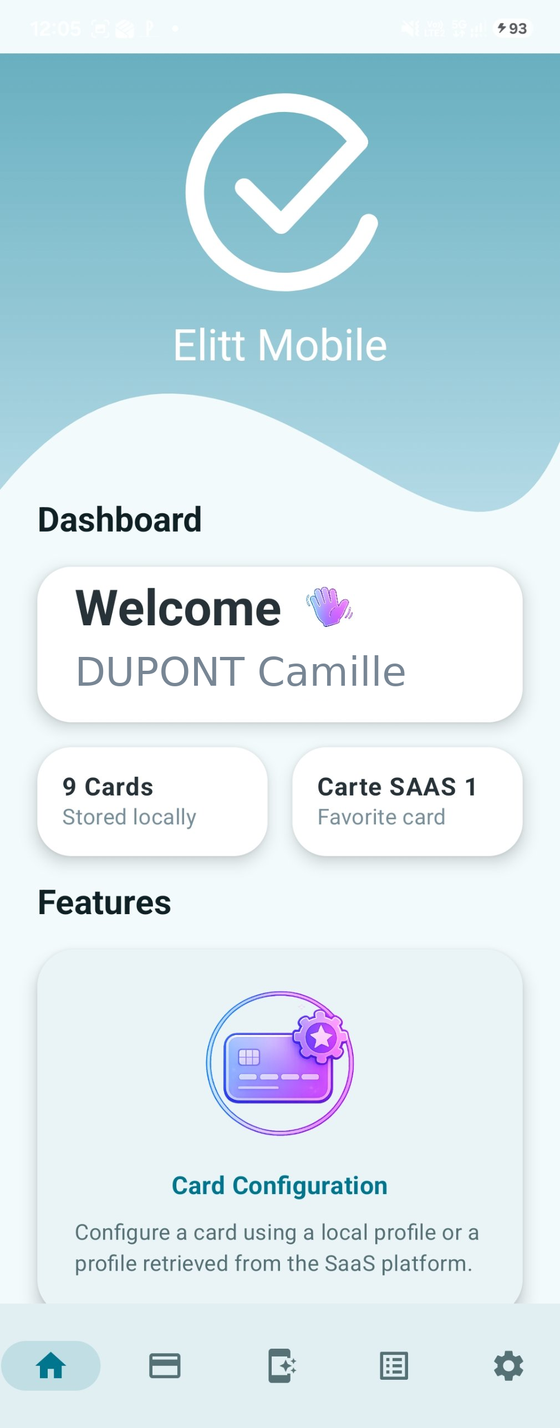
elitt mobile extends the elitt one non-regression sandbox with physical cards and contactless.
One card, all profiles
A single elitt Java card gives access to all the profiles needed for the non-regression sandbox. Switch profiles from the app, with no wired reader.
Contactless emulation
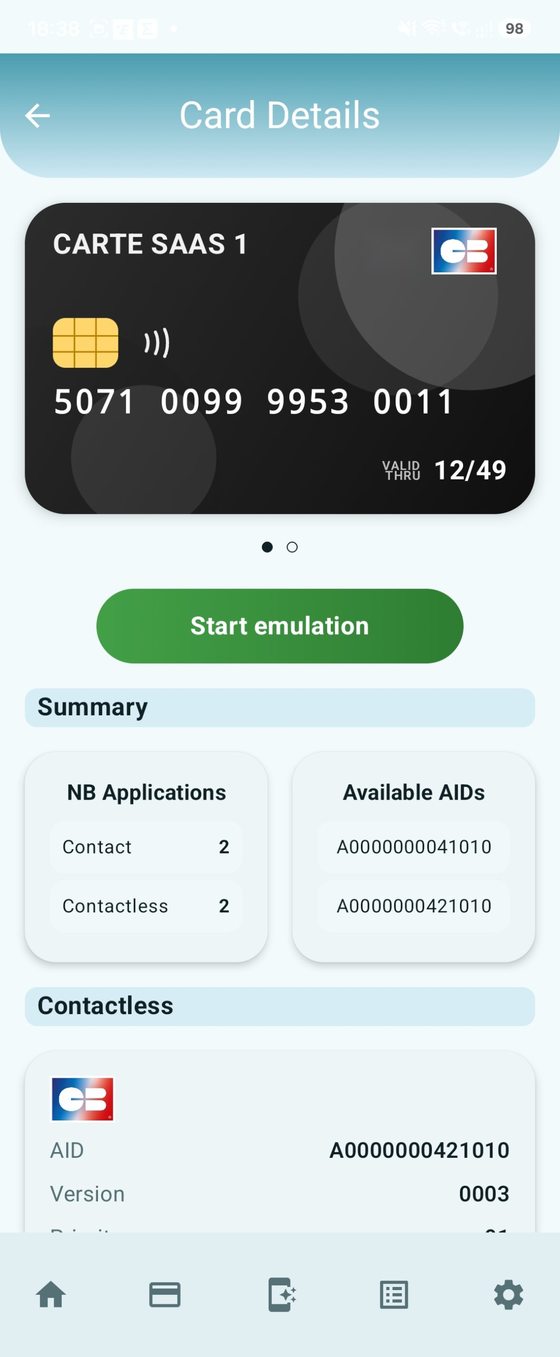
Your smartphone acts as a card in front of the terminal. The sandbox profiles are provided by default in the app.
Dialogue analyzed in elitt one
The card/terminal dialogue is captured and automatically sent to elitt one so you can analyze and debug more easily.
How it works
Choose a profile
A sandbox profile, preloaded or retrieved from elitt one.
Program or emulate
Program your elitt Java card over NFC, or start emulation from your smartphone.
Test in front of the terminal
In contact or contactless mode, depending on the mode chosen.
Analyze in elitt one
Find the card/terminal dialogue in the Run one > APDU section.
PROGRAM
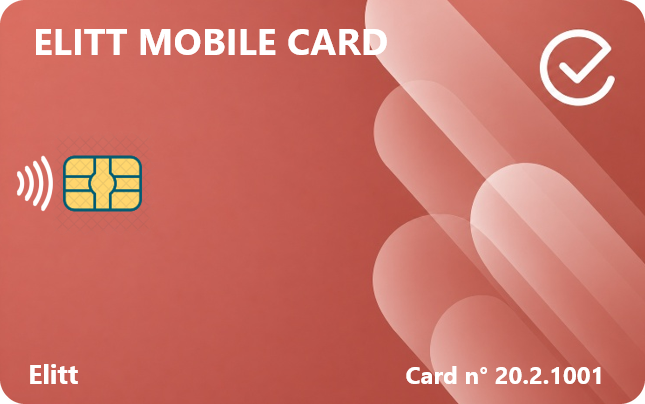
One card for all the sandbox profiles
Program an elitt Java card over NFC with the profile of your choice, preloaded in the app or retrieved from elitt one. Once programmed, the card can be used in contact and contactless mode.
- No wired reader, straight from your smartphone
- Profile fixes released quickly by elitt to all customers
- Card design of your choice, selected when ordering on testcards.elitt.com
- Works only with elitt Java cards
EMULATE
Your smartphone plays the role of the card
In front of the terminal, your phone acts as a contactless card. The non-regression sandbox profiles are provided by default, with no extra option.
- An alternative to the Java card for contactless
- The Java card remains useful for contact mode
ANALYZE
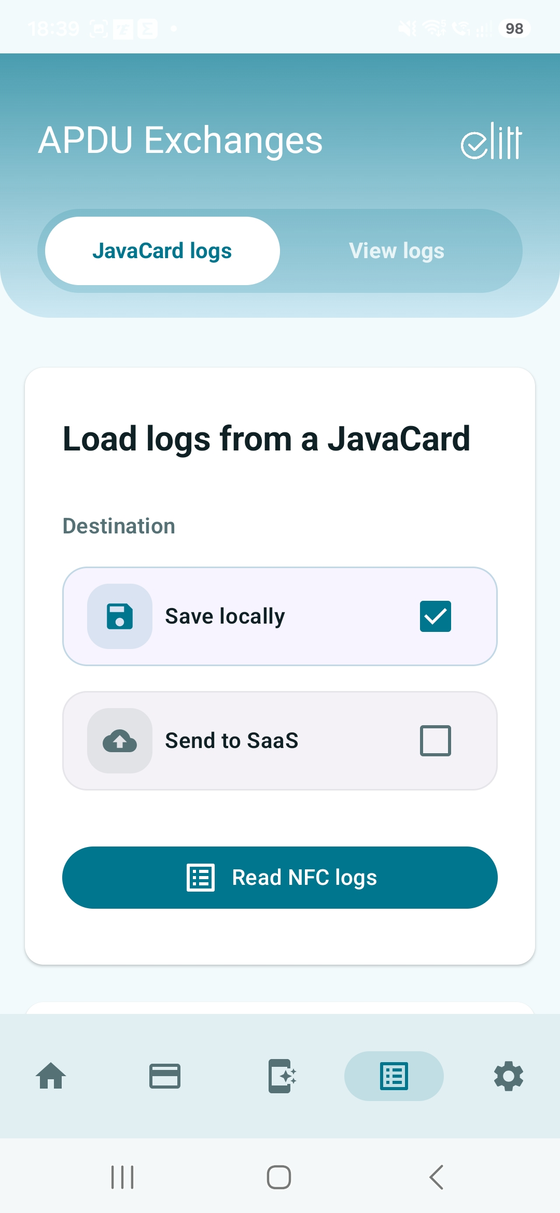
The card/terminal dialogue, directly in elitt one
During emulation, the exchanges are captured and automatically sent to elitt one over mobile data. Find them in the Run one > APDU section.
 Run one > APDU
GO FURTHER
The card modification option
With the elitt one card modification option, create or edit your own profiles, then emulate them directly from your phone.
A complement to elitt one
elitt one is elitt’s SaaS test platform for acceptance systems: simulators, non-regression sandboxes and Studio options to adapt scenarios to your needs. elitt mobile connects to it to extend your tests to physical cards and contactless.
Discover elitt one →Requirements and availability
- Reserved for elitt one customers, with the elitt mobile module activated
- Android 10 or later smartphone with NFC
- elitt Java cards only
- Permanent connection to elitt one, with secure authentication
- Interface available in English and French
Not yet an elitt one customer? Contact us: we will present elitt one and elitt mobile together.
Frequently asked questions
Who can use elitt mobile?
elitt one customers. If you are not one yet, contact us to discover the full offer.
Can I use my own Java cards?
No, elitt mobile works only with elitt Java cards.
Does emulation replace the Java card?
For contactless, yes, it is an alternative. For contact mode, the Java card is still required.
Where do I find the captured exchanges?
In elitt one, Run one > APDU section, after automatic upload by the app.
Can I create my own profiles?
Yes, with the elitt one card modification option. You can then emulate them from your phone.
Is an internet connection required?
Yes, a permanent connection to elitt one is required.
Want to know more?
Our team will present elitt mobile and elitt one and answer your questions.
Contact uscustomer.service@elitt.com